How to register and fundraise for Run72 on Raisely
You do not need to be a serious runner or a professional fundraiser to get involved in Run72. Walk, jog, run, take a team shift, or back your mates from the side of the track. The important thing is getting started.
Raisely is where you register, make your fundraising page, join or start a team, and give people a simple link to support you. It takes a few minutes. Here is the useful version.
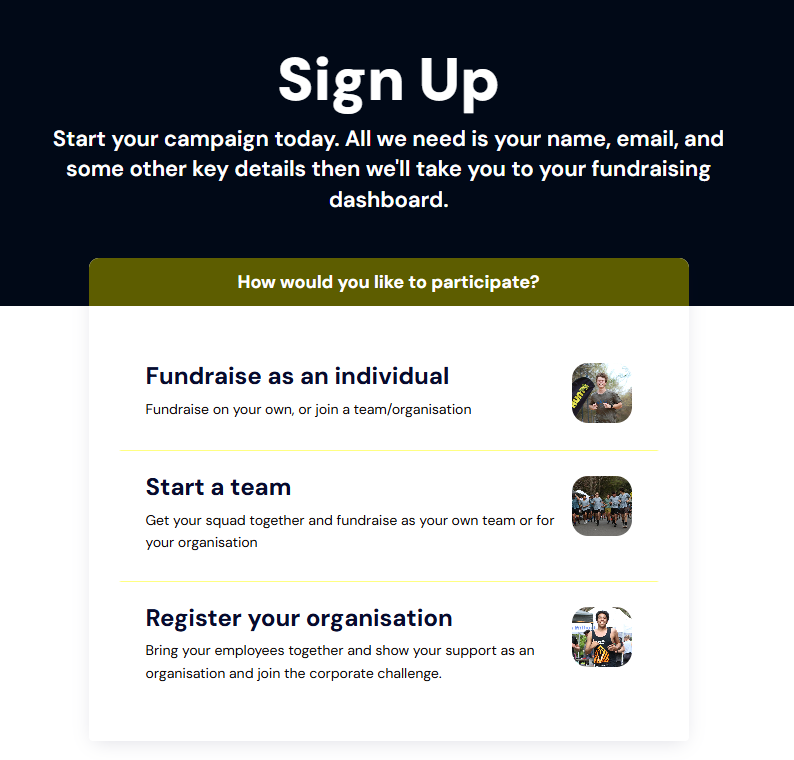
Fundraise as an individual – create your own personal fundraising page.
Start a team – set up a team fundraising page.
Register Your Organisation – create a page and joint the corporate challenge.
Step 3: If Fundraising as an Individual
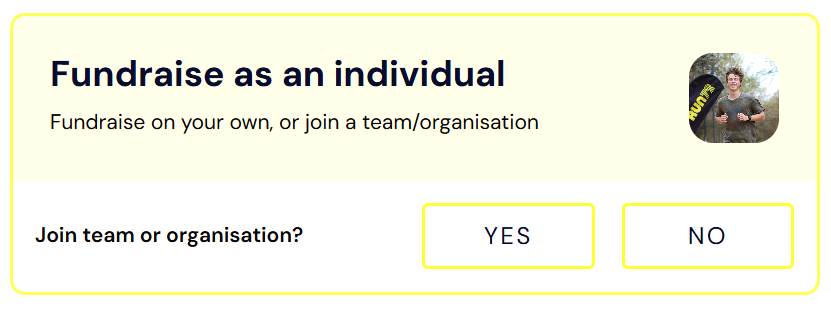
Select Fundraise as an Individual.
Choose whether to:
Join a Team or organisation, or
Continue without joining
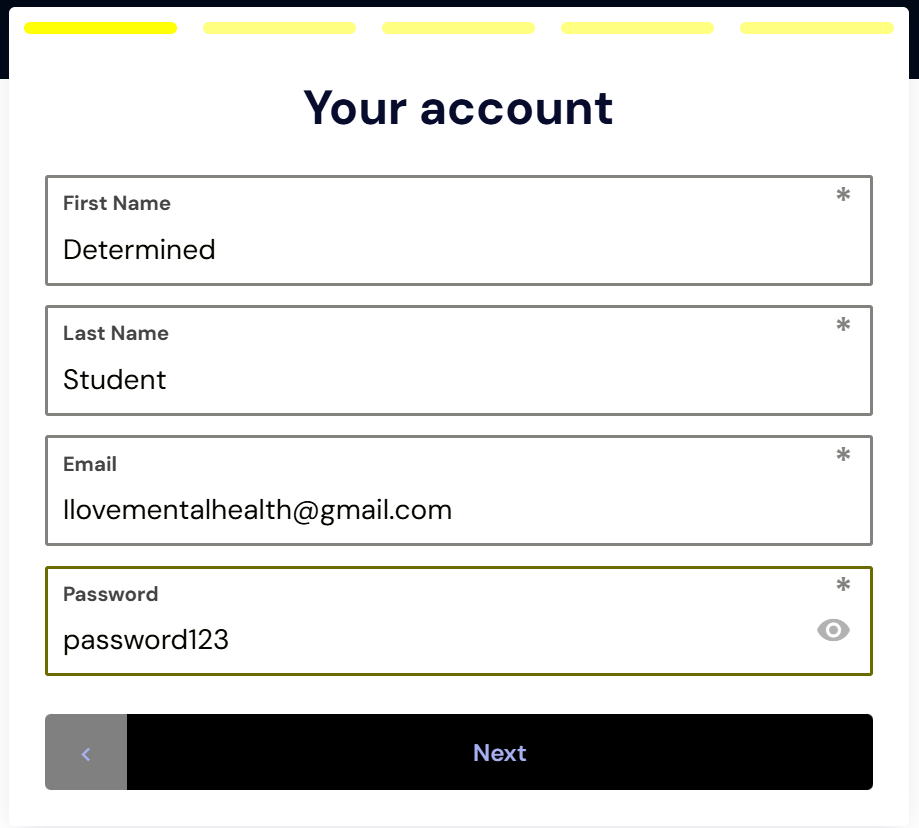
Step 4: Create Your Account
Enter your details (name, email, password).
You’ll then set up your profile.
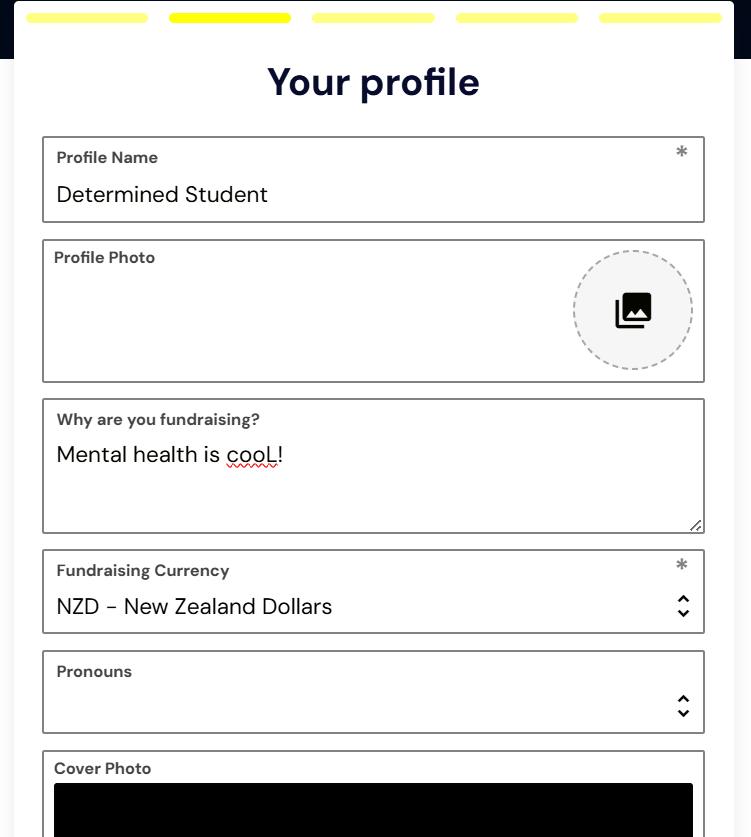
Step 5: Set Up Your Profile
Here you can:
Upload a profile photo.
Add a short blurb about why you’re fundraising.
(Optional) Add pronouns or a cover photo.
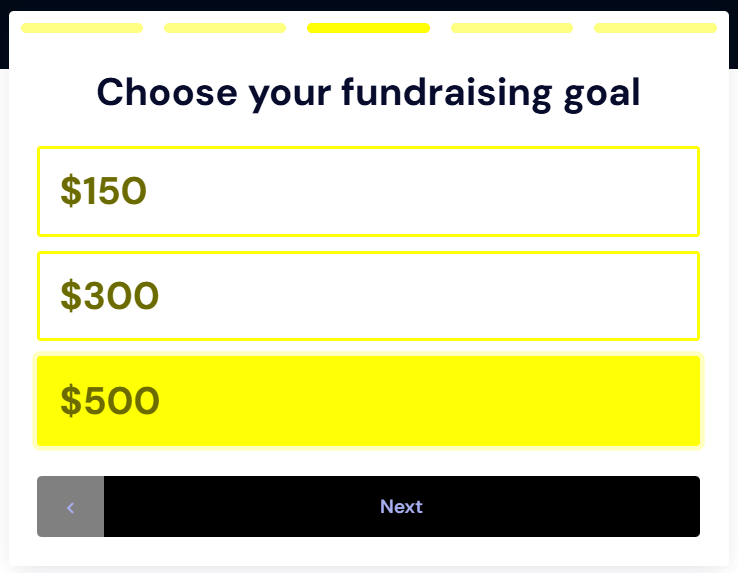
Step 6: Choose Your Fundraising Goal
Enter how much you’d like to raise.
This will appear on your fundraising page so your supporters can see your progress.
Step 7: Access Your Dashboard (For Returning Fundraisers)
If you’ve already signed up and want to access your page, create/join a team, or see your progress:
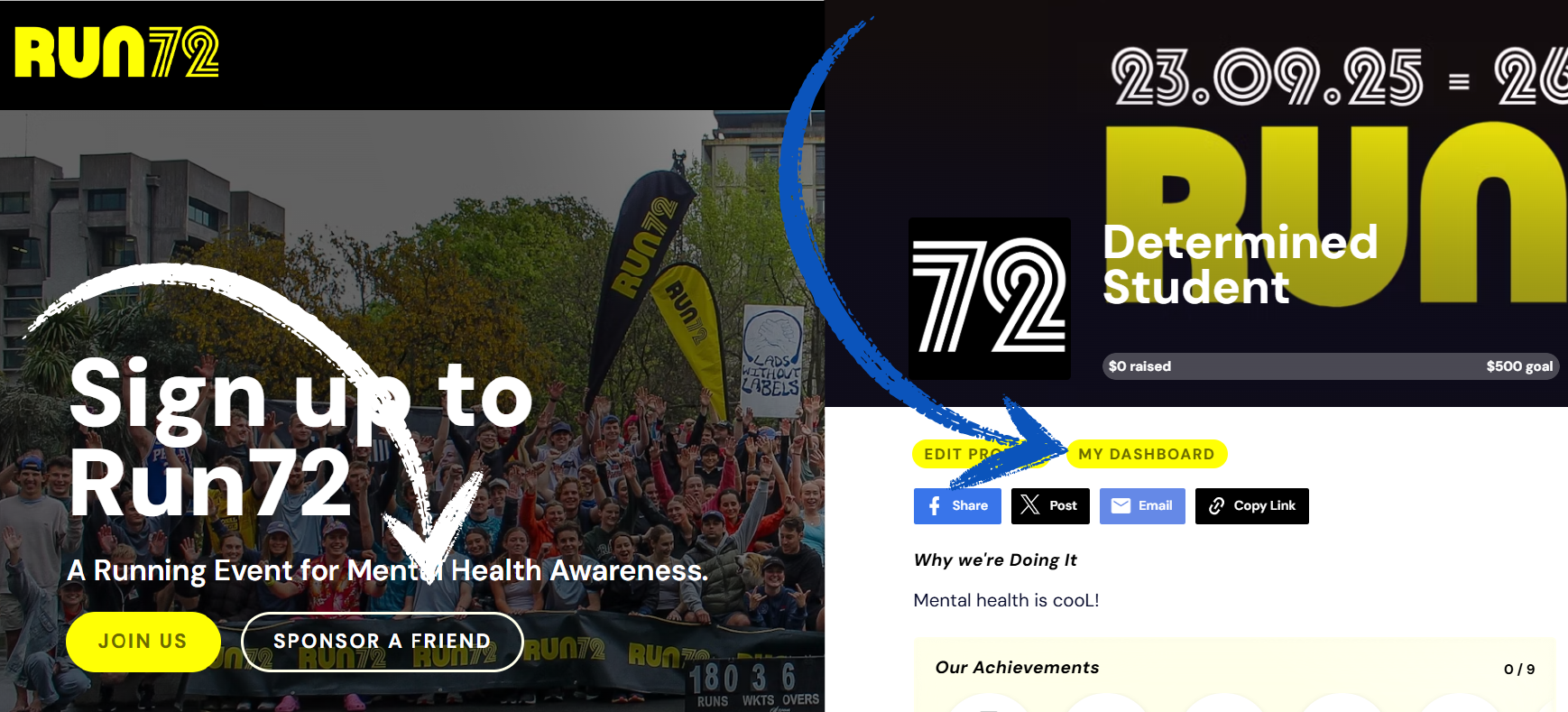
On the homepage, click “Sponsor a Friend”.
Search and click on your name.
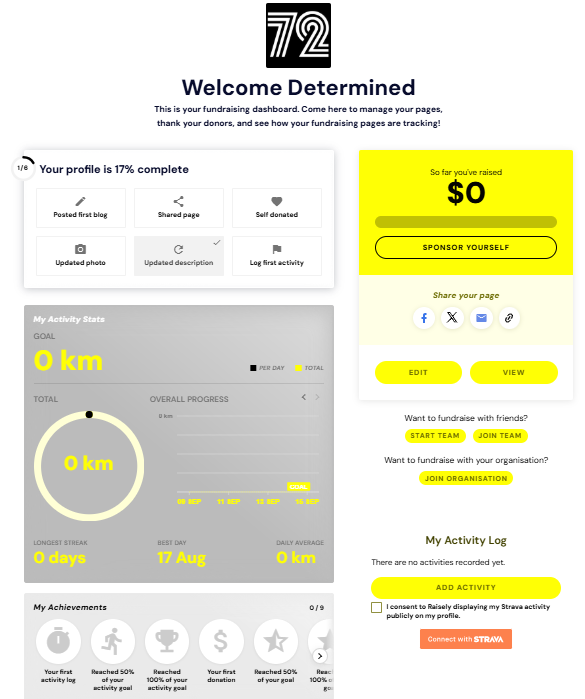
Then click “My Dashboard”.
From your dashboard you can:
Link your Strava account.
View donations and progress.
Create or join a team/organisation.
Step 8: Run
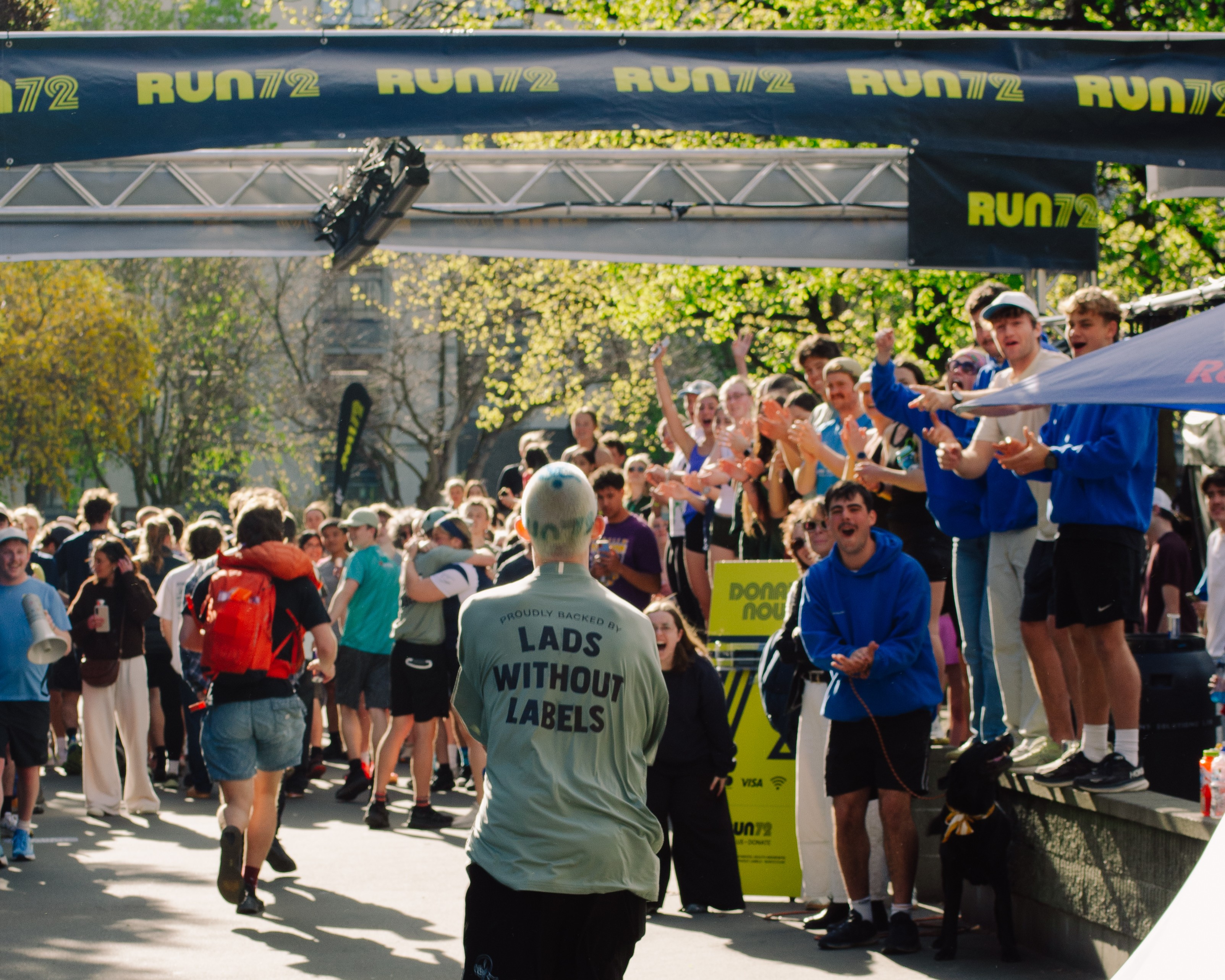
Once everything is set up properly your name or team name will appear on the leaderboard and update live as you fundraise and complete laps. From 4 pm Tuesday 22 September to 4 pm Friday 25 September, the UC campus loop will stay moving for 72 hours.